
Protect your Wi-Fi Network: Secure Connection
24/08/2026- Maluga
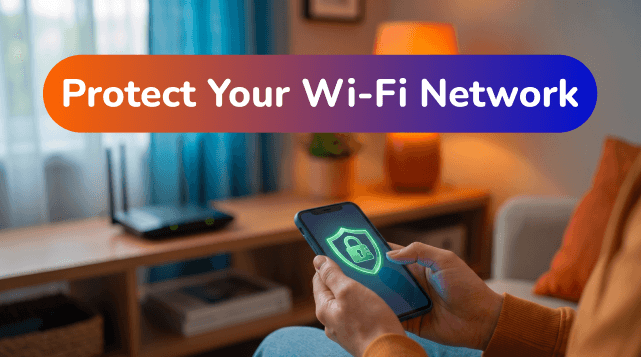
Leaving your Wi-Fi network unprotected or with a very simple password is like leaving home and leaving the front door ajar. A vulnerable network brings two major problems:
- Slower internet: Allows neighbors to "hitch a ride" on your bandwidth.
- Privacy risks: Exposes your personal data and banking information to malicious people.
Ensuring the digital security of your home is fundamental. Follow these simple steps recommended by our technicians to shield your connection:
1. Change the password and network name (SSID)
- Create a strong password: Never keep the default password that comes from the factory stuck to the equipment. Use a combination of uppercase and lowercase letters, numbers, and symbols (@, #, !, etc.).
- Protect your identity: When choosing the name of your Wi-Fi network, avoid using personal information such as your full name, phone number, or your apartment number.
2. Create a Guest Network
- Don't share your main password: Are you hosting an event and having friends over? Most routers allow you to create a Guest Network.
- Isolate your data: This way, your guests access the internet perfectly, but are isolated from your private network, without access to your connected private devices (like computers and cameras).
3. Keep your devices updated
- Updates are essential: Security also starts on your devices. Always keep your mobile's, computer's operating system, and antivirus updated.
- Avoid local contaminations: Threats often spread through an already infected device that connects to your home network.
Need help?
Your online security is our priority. If you need help changing your network data or safely changing your Wi-Fi password, Maluga's technical support is available.
Browse with peace of mind!

5 Wi-Fi Tips
Simple tips to improve your daily Wi-Fi connection.

Slow internet or limited plan?
Find out what might be affecting your speed and the best option for you.
Protect your Wi-Fi network
Practical steps to keep your network secure and prevent unwanted access.
Internet for gamers
Learn how to get a more stable connection and lower ping for better gaming.